
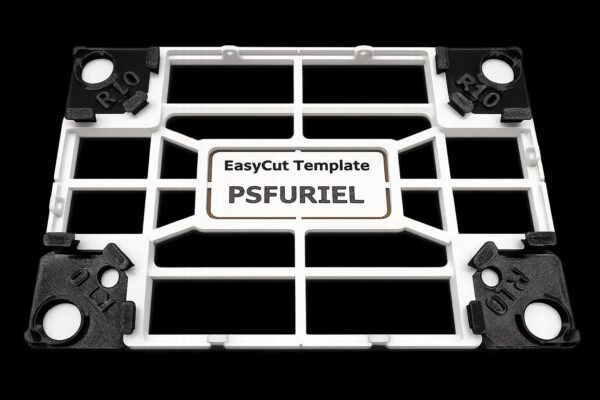


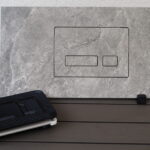
The EasyCut template is especially useful when the bathroom is already finished and the customer decides to add a flush button, access panel, socket, switch, ventilation cover or another built-in product afterwards.
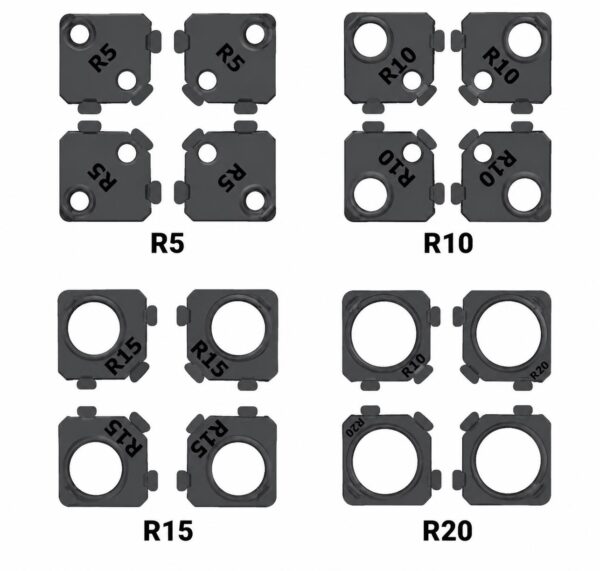
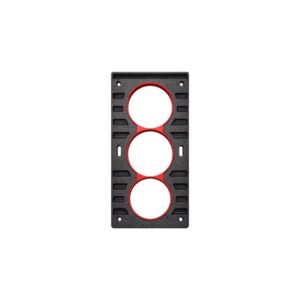
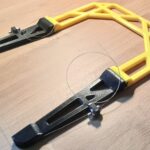
Instead of measuring by hand and gluing temporary guides, you create radius corners quickly and accurately. After drilling the corners, the opening is finished by hand along the guide edges of the template. Interchangeable corner inserts let you use different radii.
Benefits
- fast and precise radius corners
- easier manual tile cutting
- ideal for retrofitting in an already tiled bathroom
- lower risk of cracking tiles that are already installed
- repeatable and professional results
- no complicated measuring or positioning
Radius sizes
- R5 → Ø10 mm hole saw
- R10 → Ø20 mm hole saw
- R15 → Ø30 mm hole saw
- R20 → Ø40 mm hole saw
Important
Variant Main template contains only the template without corner inserts. To use it, you also need one set of corner inserts for the required radius (4 pcs R5, R10, R15 or R20). If you don't have a suitable diamond hole saw, you can buy it separately.
Recommended hole saw
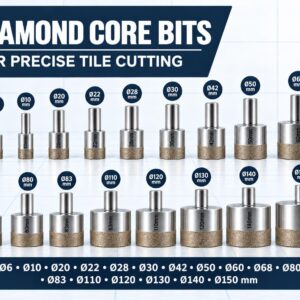
For the best results, use a smooth diamond hole saw selected for ceramic and porcelain tiles – unlike aggressive hole saws with coarse grit, it does not chip or tear the tile surface.
Cooling while drilling
The hole saw must be cooled with water continuously while drilling. The template has hose holders on all four sides, so the water goes straight to the cutting point. Proper cooling significantly extends tool life and improves the cut, especially with porcelain and hard ceramics.
Note
With this method, the tile pattern or texture does not continue seamlessly through the installed product, because the opening is created afterwards rather than from a single piece of tile. For simple and plain tiles, EasyCut is a fast, accurate and cost-effective solution.
Reviews
There are no reviews yet.